Users can be added to an account by the account admin. To add users to the account, follow the instructions below:
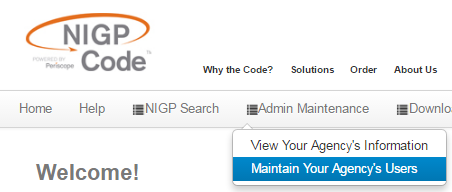
- Login to NIGP.com with the administrator's credentials, hover the cursor over Admin Maintenance in the menu bar and click Maintain Your Agency's Users.
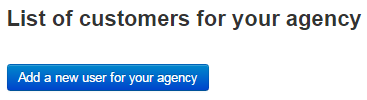
- Click the blue Add a new user for your agency button at the top of the user list.
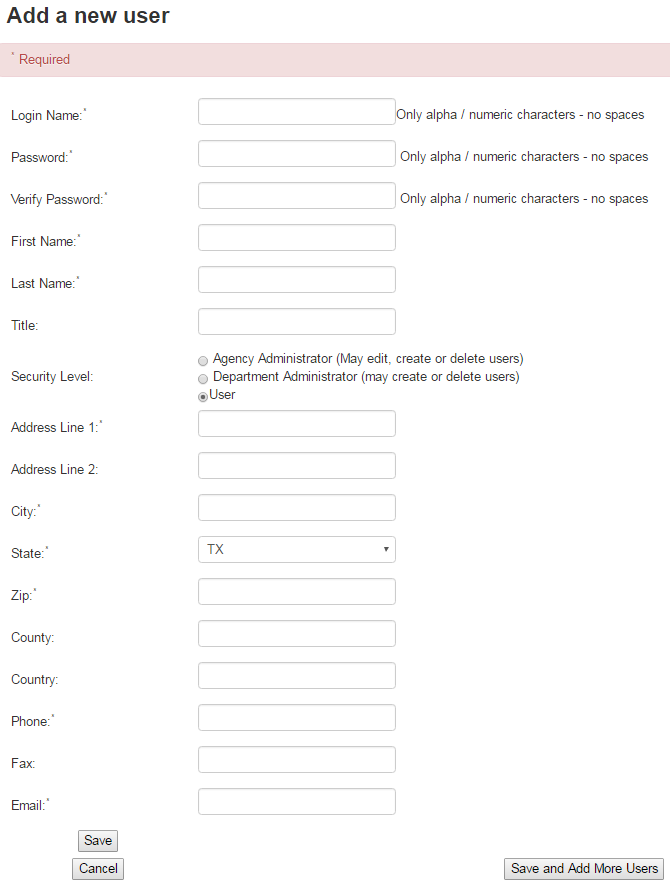
- Fill out all of the information possible for the new user and click Save at the bottom of the page.
0 Comments